
When was the last time you checked what your apps know about you?
For most of us, the answer is never. Meanwhile, AI has made phishing emails, fake voices and automated attacks cheap enough for anyone to run. New data leaks make the news every week.
You can't control every company that holds your data. But you do control more than you think. Here are seven habits that make a real difference.
Give apps only what they need
Before you tap "Allow", ask one question: does this app need this information to work and provide value?
For example, a weather app might need to know roughly where you are to tell you if it will rain. But a language app doesn't need to know your location or use Bluetooth. You can also choose how much to share, for example by letting an app see just a few photos instead of all your pictures.
How enless does it
We ask for photos of your clothes, because that's what enless works with. Your selfie helps us find the colours that suit you. We use it once and keep only the result: your colour season and palettes. The selfie itself is never stored.
Use a password manager and passkeys
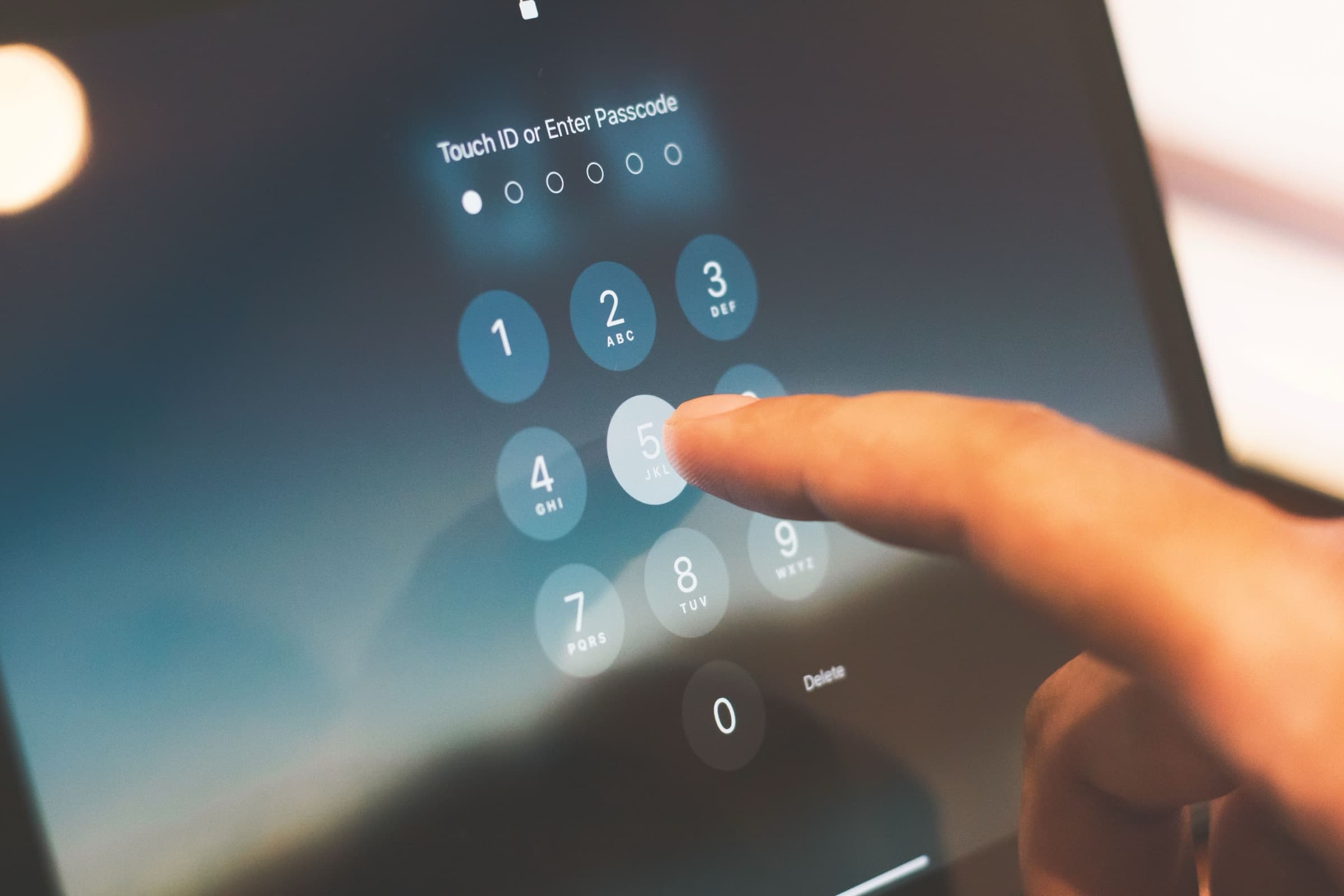
When one service leaks, attackers try the same email and password on many other sites. A reused password turns one leak into ten hacked accounts.
A password manager creates a long, different password for every account and remembers it for you. Where a service offers passkeys or two-step sign-in, switch them on. A stolen password alone is then worth very little.
How enless does it
Your enless password is stored only in scrambled form. Even we can't read it.
Slow down your reaction when a message feels urgent
AI writes flawless emails in any language and can copy a voice from a short clip. The old signs of a scam (such as spelling mistakes) are disappearing.
So how can you still recognise a scam? By the pressure it puts on you. "Your account will be closed today." "Mum, I lost my phone, can you send money?" When a message pushes you to act fast, don't. Stop. Instead of clicking the link you received, open the app or website yourself by typing the address into your browser, and check the information there. Also, agree on a code word with your family for any call that asks for money.
How enless does it
We will never ask for your password by email or message. If something that looks like enless does, it isn't us. Tell us and we'll look into it.
Delete what you no longer use
Every old account is a door you forgot to lock. Deleting an app from your phone leaves your account and your data on the company's servers.
Once a year, go through your apps and accounts. Delete the ones you haven't opened in months, from inside each app's settings.
How enless does it
Deleting your enless account takes a few taps in Settings, and everything goes right away: your wardrobe and clothing photos, outfits, reflections, goals and moods, your Pinterest connection, the brands you follow and your answers to their posts. Delete a single item and its photo goes with it.
One thing we do keep: if you unsubscribe from our newsletter, we note that you did, so we never email you again by mistake. The law also asks us to be able to prove you agreed to receive news from us in the first place. Let us know and we'll delete that too.
Make use of your rights
If you live in the EU, the GDPR gives you rights over your data in every app you use. You can ask any company for:
- A copy of everything it holds about you
- Corrections to anything that's wrong
- Deletion of your data
- Your data in a format you can take somewhere else
A short email to the address in the company's privacy policy is enough. You can generally expect an answer within one month.
How enless does it
You don't even need to email us. In the app, go to Settings, then Privacy & your data, and export everything enless has learned about you as one file, any time.
Find out who else sees your data
Privacy policies are long, but one part is always worth reading: who the company shares your data with. Look for words like "partners", "affiliates" and "advertising". Data sold to brokers can be combined with other sources into a profile of you that you never agreed to.
How enless does it
We never sell your data and we don't share personal information with advertisers or data brokers.
Our partner brands see only totals, such as how many people own a specific type of clothing, without singling anyone out. The information you provide reaches them without your name. Those totals help brands create and produce what people actually wear, so less clothing ends up as waste.
Choose services that keep your data close
Where your data is stored decides which laws protect it. Data kept in the EU stays under EU law. Data kept elsewhere can also fall under another country's laws, which may give authorities there access to it.
When two apps do the same job, check where each one keeps your data. You'll usually find it in the privacy policy, under "international transfers".
How enless does it
Our software and our AI models run on our own servers in Austria. Photos of your clothes are recognised by a European company. A few things still go through services outside the EU, like the systems Apple and Google use to deliver notifications to your phone. Our privacy policy names every provider, and we continue to choose European alternatives.
Start with one habit
You don't have to do all seven steps today. Pick one this week: a password manager, a look at your photo permissions, or deleting three old accounts.
While building enless, I kept coming back to one sentence from our CTO, Mathias Theys:
"Nobody can steal, leak or sell your information if you don't provide it."
- Mathias, CTO
So enless holds as little of you as it can and protects the rest: your goals, your reflections, your colours, your style. They're there to help you grow and for nothing else.
Which habit will you start with? If this was useful, share it with someone you care about. And if you'd like a wardrobe app built this way, meet enless.